Mobile Ordering Built for Daily Wholesale Workflows


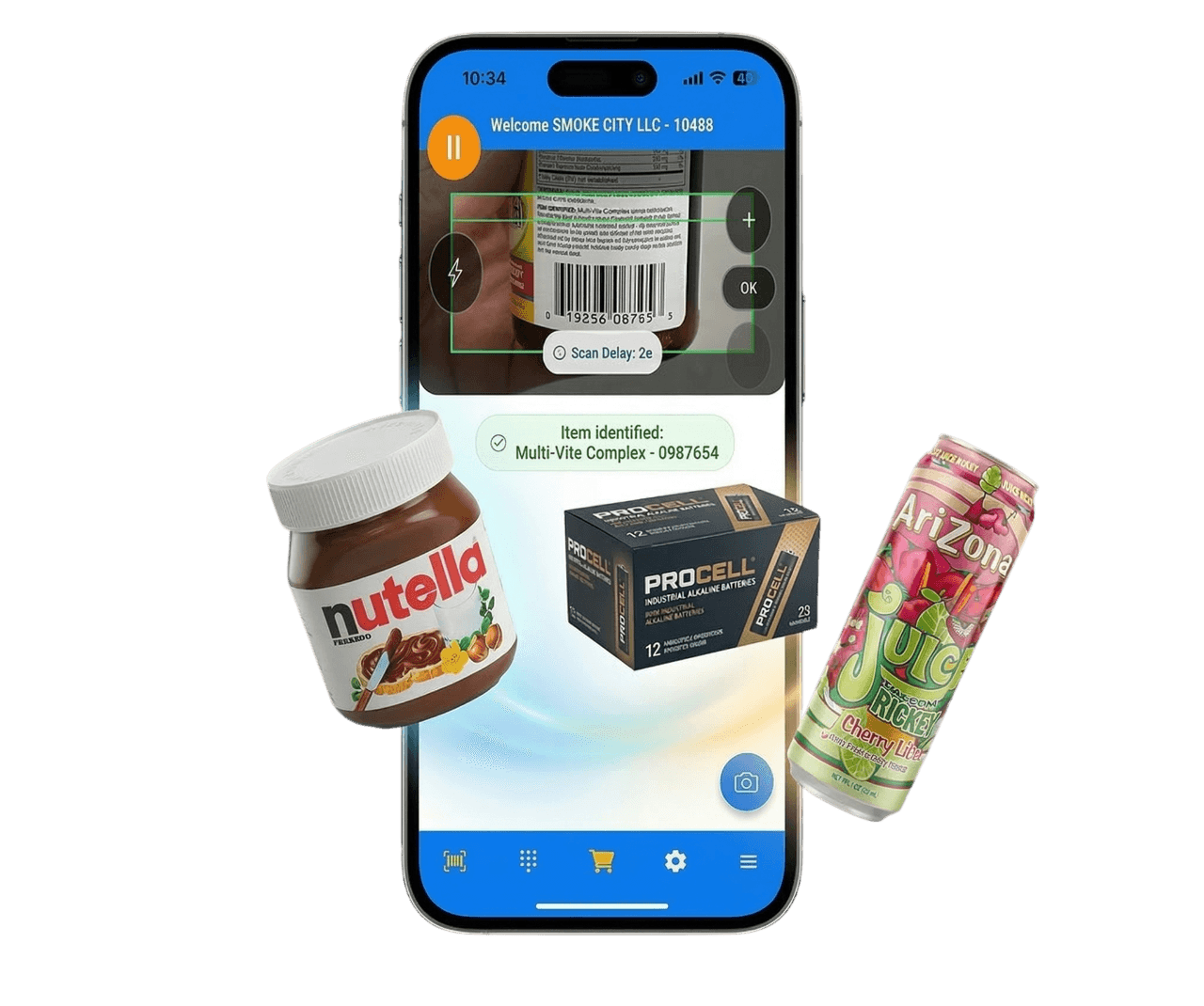
 BARCODE SCAN TO ORDER IN SECONDSBARCODE SCAN TO ORDER IN SECONDSBARCODE SCAN TO ORDER IN SECONDSBARCODE SCAN TO ORDER IN SECONDSBARCODE SCAN TO ORDER IN SECONDSBARCODE SCAN TO ORDER IN SECONDSBARCODE SCAN TO ORDER IN SECONDSBARCODE SCAN TO ORDER IN SECONDSBARCODE SCAN TO ORDER IN SECONDSBARCODE SCAN TO ORDER IN SECONDSBARCODE SCAN TO ORDER IN SECONDSBARCODE SCAN TO ORDER IN SECONDSBARCODE SCAN TO ORDER IN SECONDSBARCODE SCAN TO ORDER IN SECONDSBARCODE SCAN TO ORDER IN SECONDSBARCODE SCAN TO ORDER IN SECONDSBARCODE SCAN TO ORDER IN SECONDSBARCODE SCAN TO ORDER IN SECONDSBARCODE SCAN TO ORDER IN SECONDSBARCODE SCAN TO ORDER IN SECONDSOFFLINE ORDERING, ACCOUNT SWITCHING, INVOICE VISIBILITYOFFLINE ORDERING, ACCOUNT SWITCHING, INVOICE VISIBILITYOFFLINE ORDERING, ACCOUNT SWITCHING, INVOICE VISIBILITYOFFLINE ORDERING, ACCOUNT SWITCHING, INVOICE VISIBILITYOFFLINE ORDERING, ACCOUNT SWITCHING, INVOICE VISIBILITYOFFLINE ORDERING, ACCOUNT SWITCHING, INVOICE VISIBILITYOFFLINE ORDERING, ACCOUNT SWITCHING, INVOICE VISIBILITYOFFLINE ORDERING, ACCOUNT SWITCHING, INVOICE VISIBILITYOFFLINE ORDERING, ACCOUNT SWITCHING, INVOICE VISIBILITYOFFLINE ORDERING, ACCOUNT SWITCHING, INVOICE VISIBILITYOFFLINE ORDERING, ACCOUNT SWITCHING, INVOICE VISIBILITYOFFLINE ORDERING, ACCOUNT SWITCHING, INVOICE VISIBILITYOFFLINE ORDERING, ACCOUNT SWITCHING, INVOICE VISIBILITYOFFLINE ORDERING, ACCOUNT SWITCHING, INVOICE VISIBILITYOFFLINE ORDERING, ACCOUNT SWITCHING, INVOICE VISIBILITYOFFLINE ORDERING, ACCOUNT SWITCHING, INVOICE VISIBILITYOFFLINE ORDERING, ACCOUNT SWITCHING, INVOICE VISIBILITYOFFLINE ORDERING, ACCOUNT SWITCHING, INVOICE VISIBILITYOFFLINE ORDERING, ACCOUNT SWITCHING, INVOICE VISIBILITYOFFLINE ORDERING, ACCOUNT SWITCHING, INVOICE VISIBILITY
Boost accuracy and save time with smart automation, seamless integrations, and real-time tools.

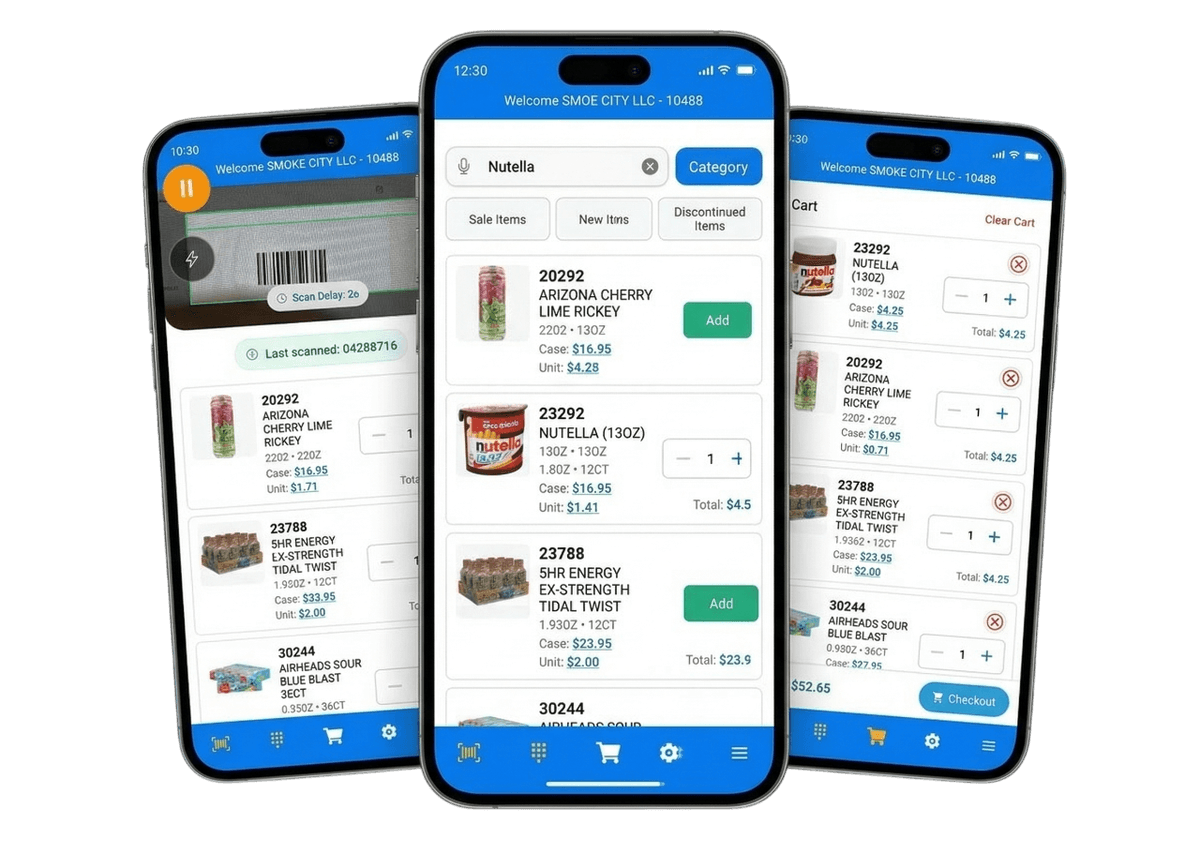
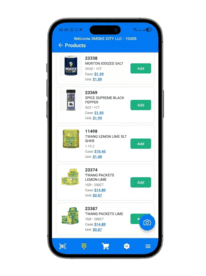
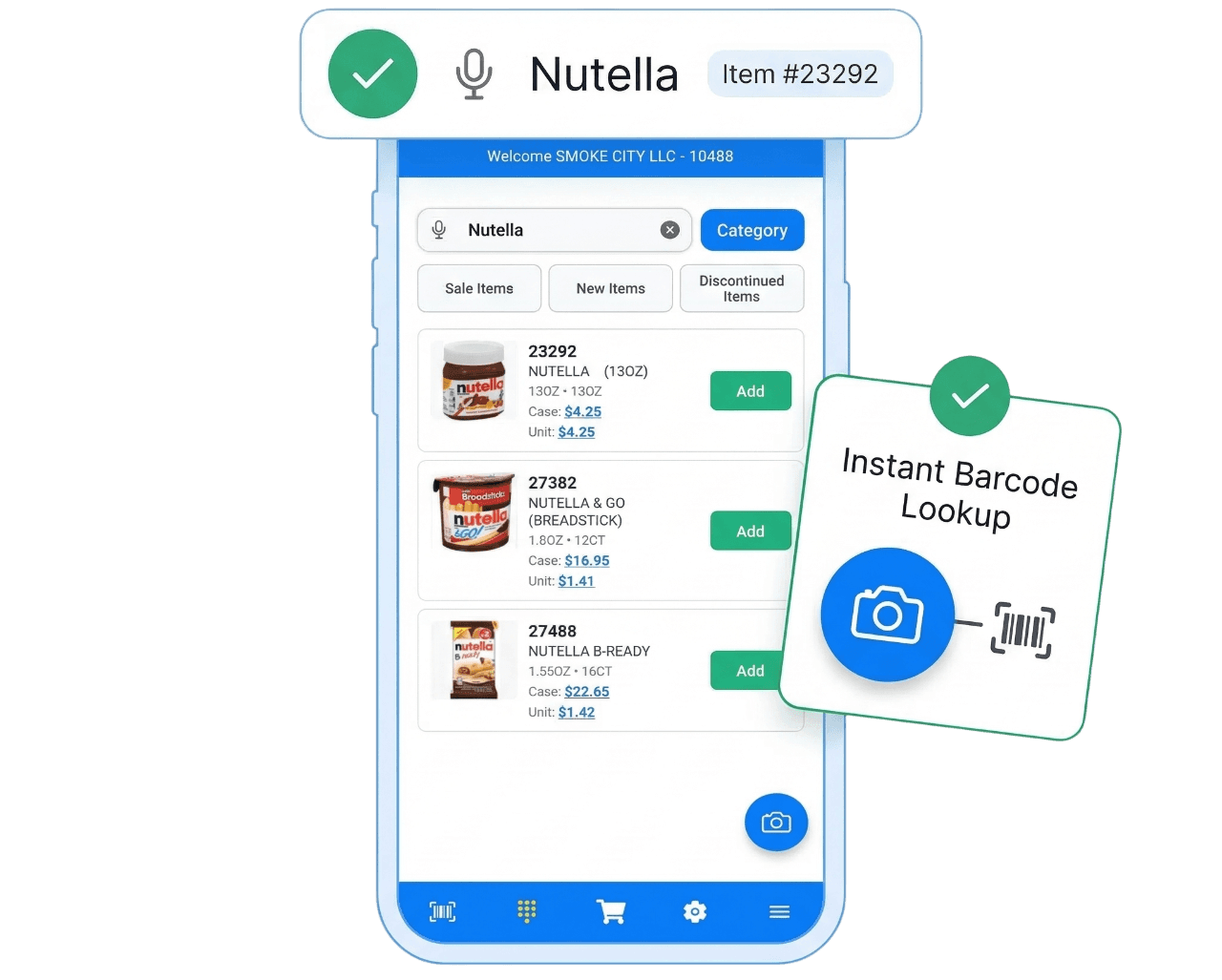
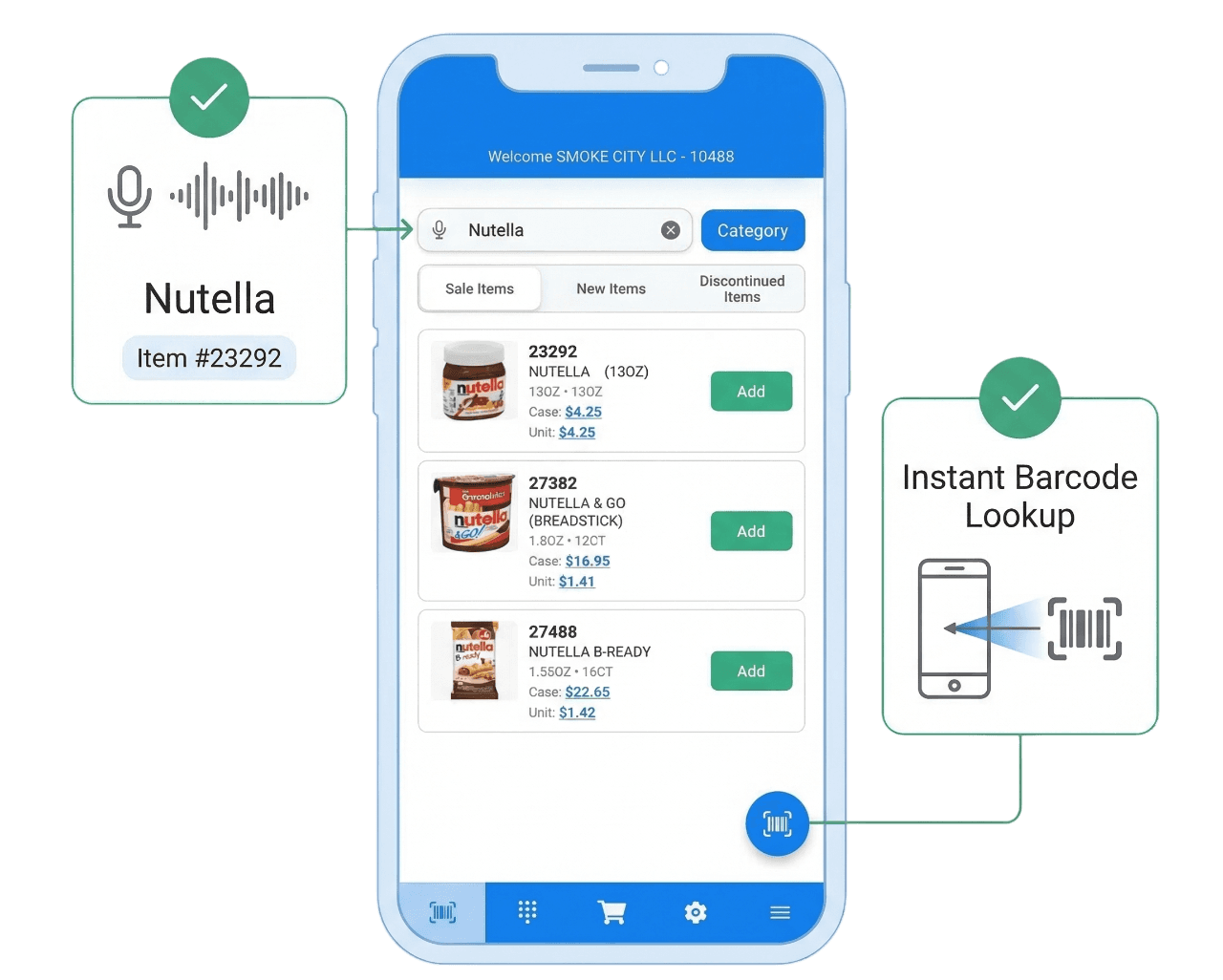
 Camera-based barcode scan for fast item lookupKeypad/manual lookup when barcode is not availableSupports common UPC/QR and standard scan workflowsCuts SKU typing and product-entry mistakes
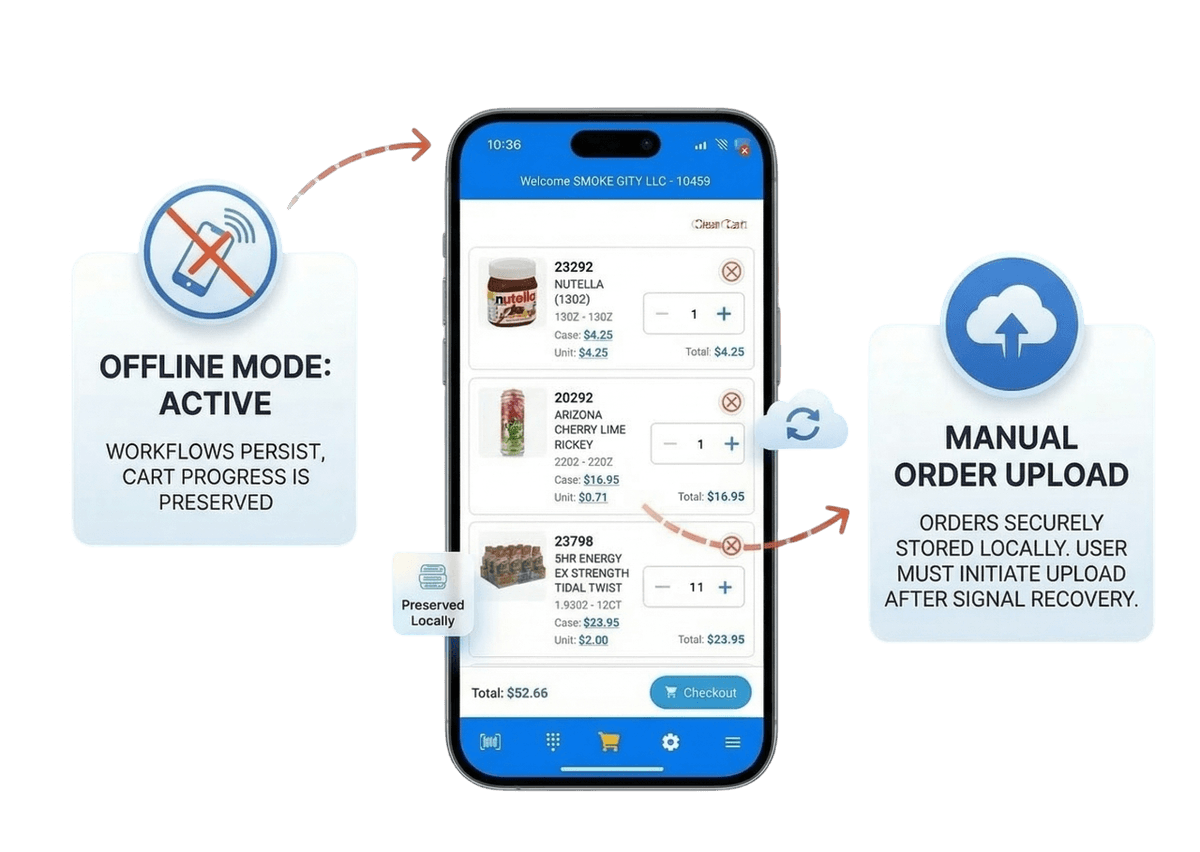
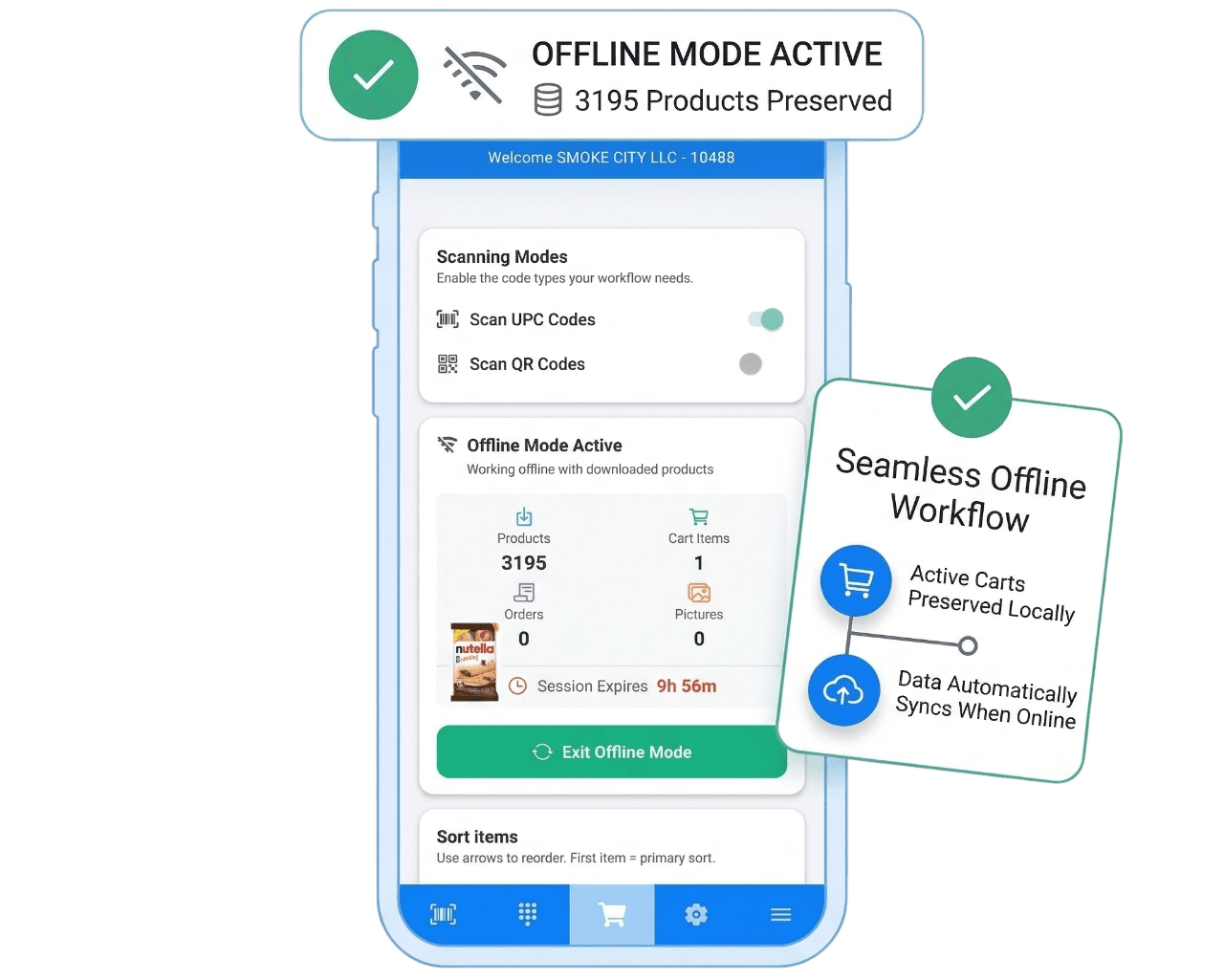
 Download data before entering low-signal areasCreate orders and manage carts while offlineLocal storage keeps work available during outagesSync workflow updates records when online again
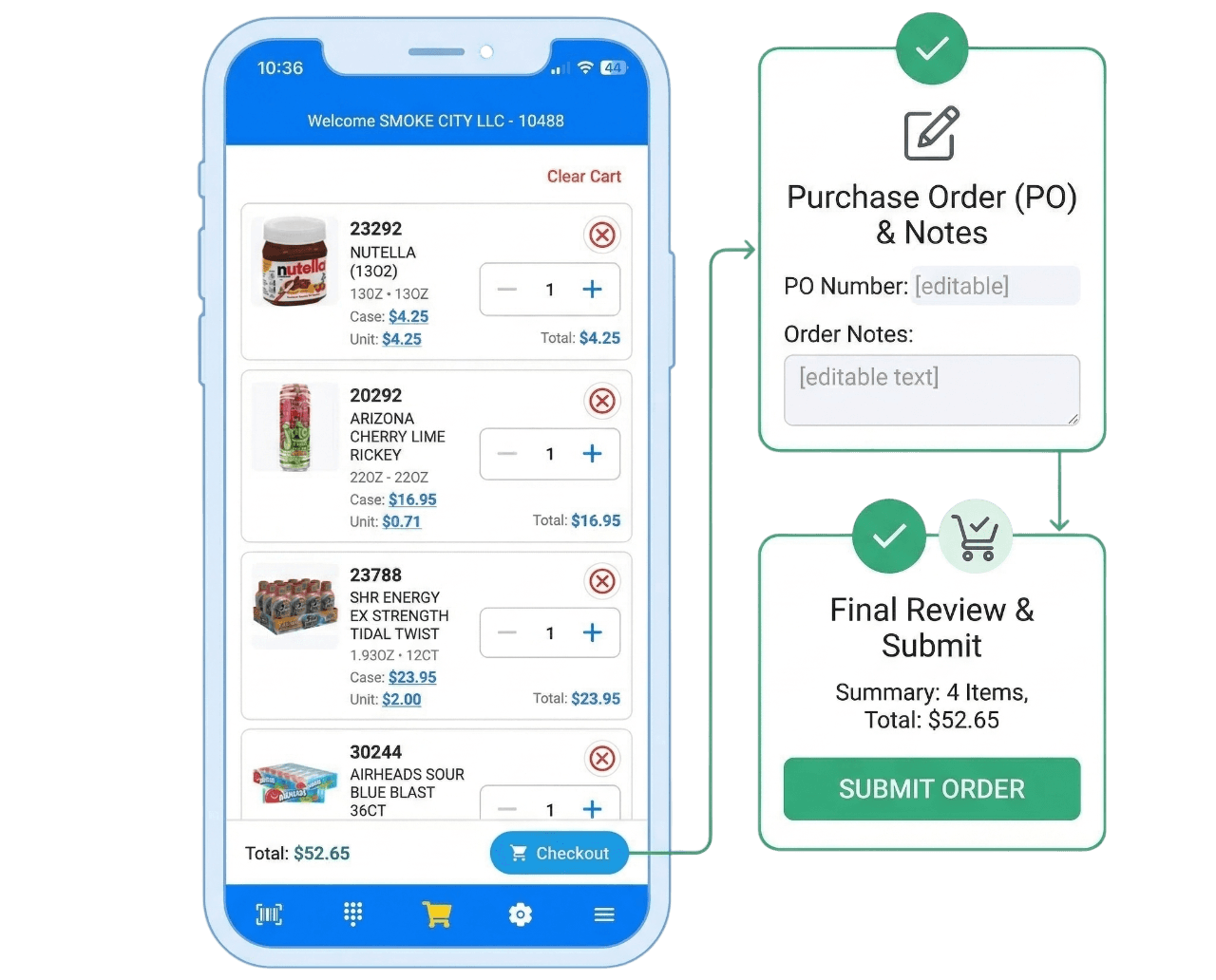
 Edit quantity and item details directly in cartAdd PO number and notes before submitting orderReview order summary before final submitClear cart controls and confirmation flow
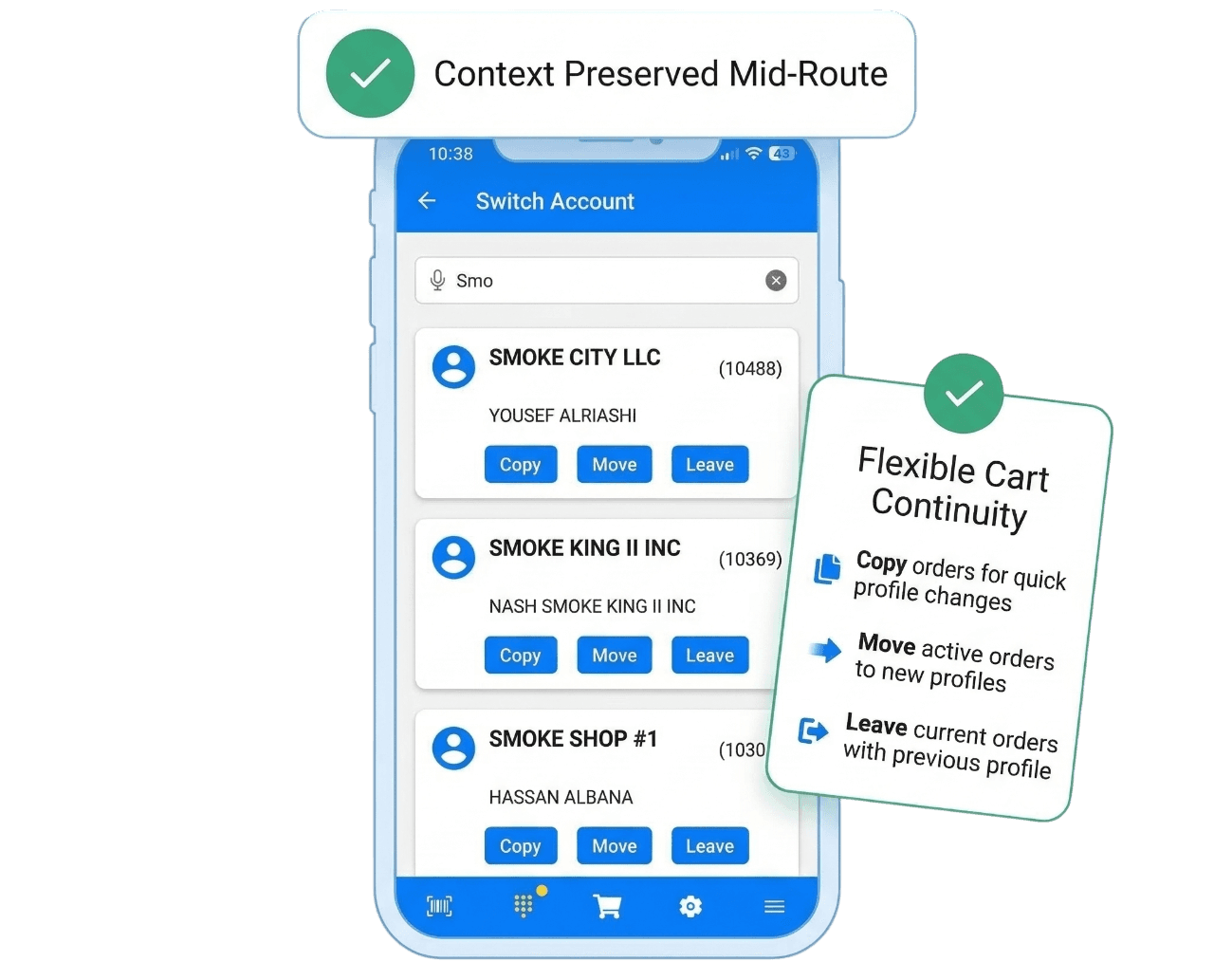
 Search and switch customer accounts from the appChoose cart behavior: copy, move, or leaveSupports route reps handling multiple stops dailyMaintains account context during session changes
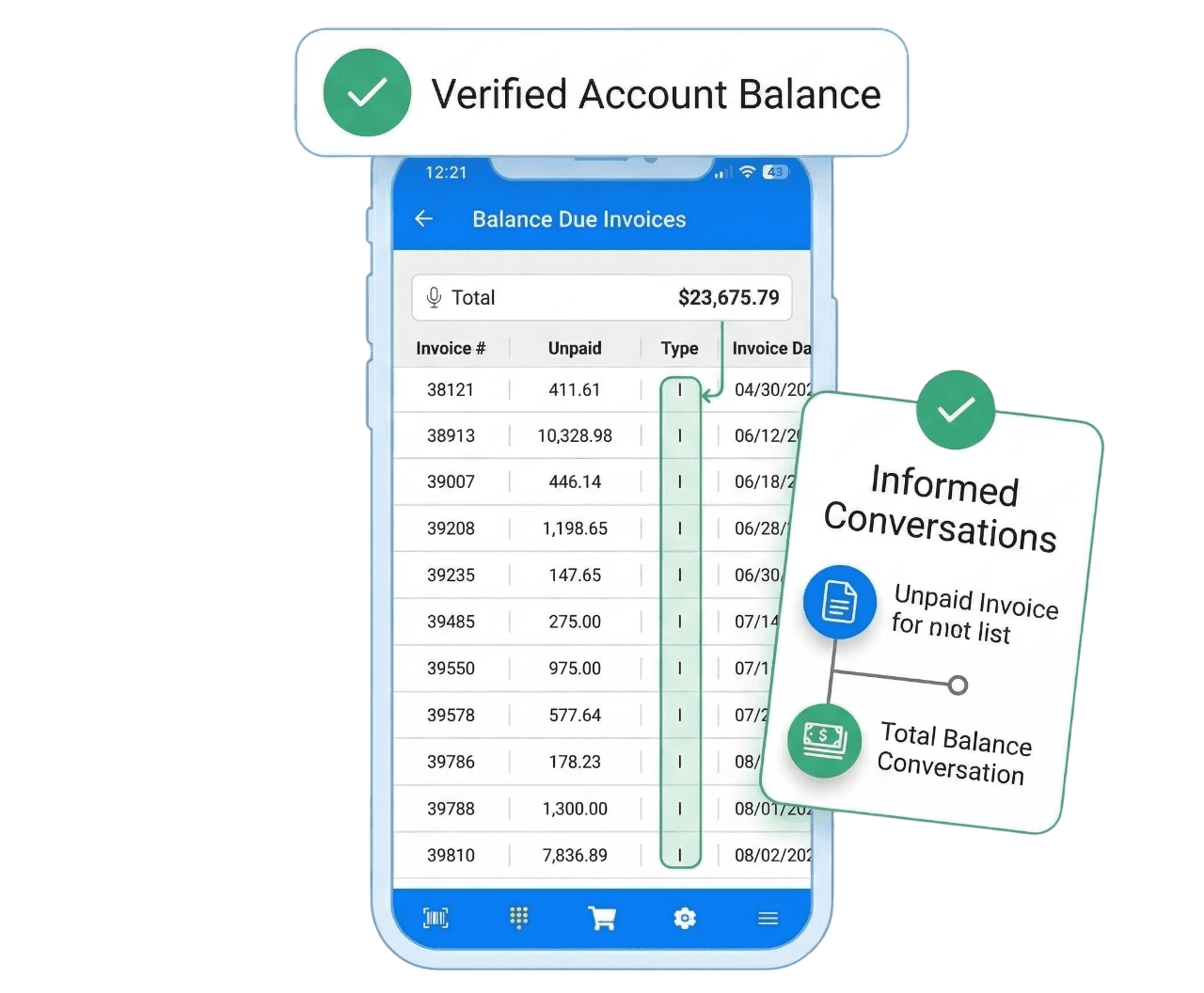
 View invoice module in connected modeCheck balance due for active accountsSee checks-on-hold status when availableReduces calls to office for account status
 Voice search support for faster account/product lookupCommand parsing for quick add flowsCamera scanning plus hardware-scan setting supportUseful for aisle, dock, and warehouse workflows
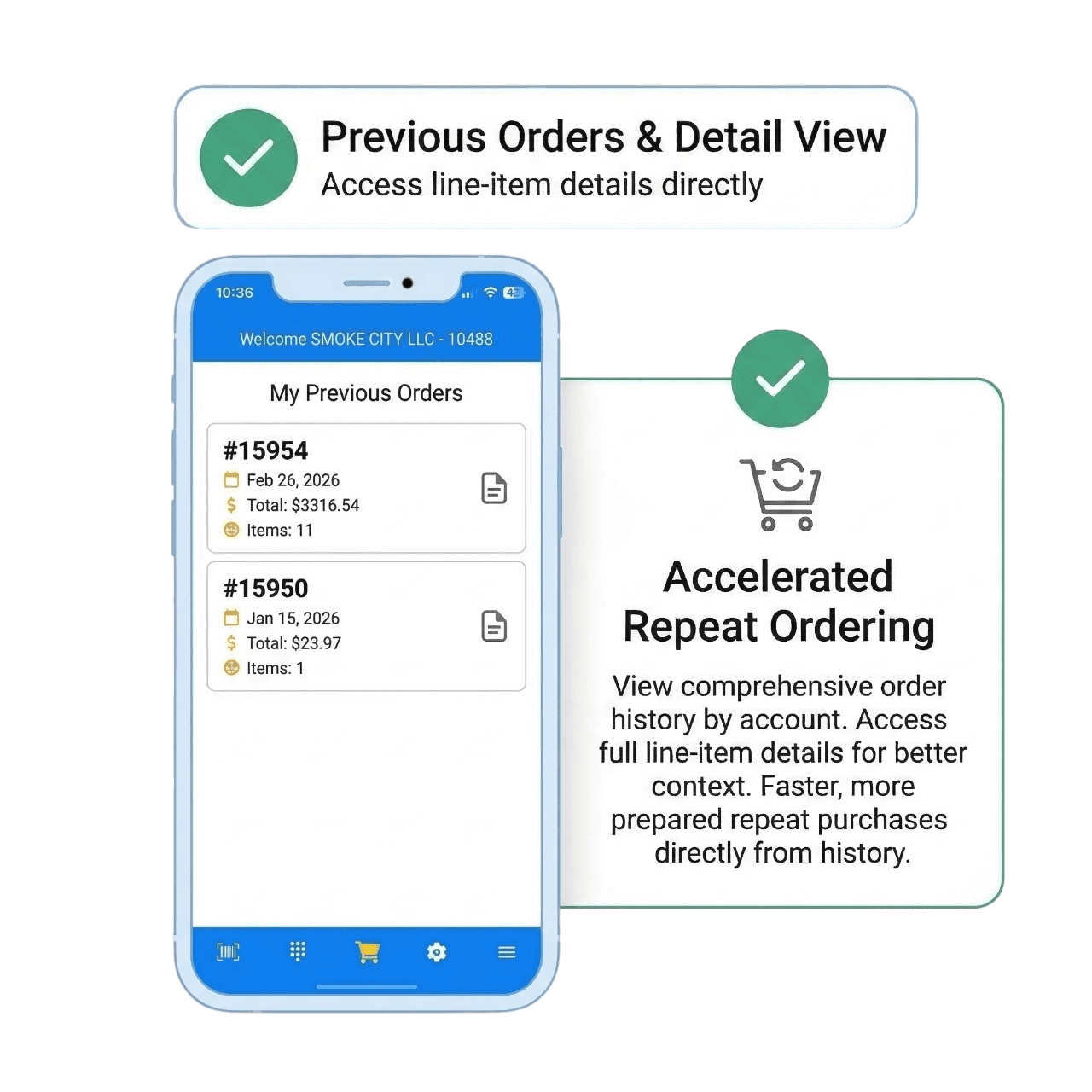
 Browse previous orders directly from mobileOpen line-level details for each orderUse history to speed repeat customer ordersGives reps clear context before checkout
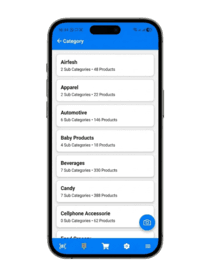
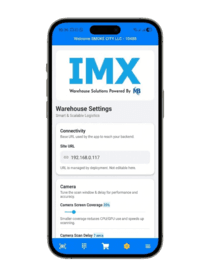
 Configure scan delay, sounds, and haptic feedbackAdjust item sorting and scan behavior per workflowModule access based on enabled subscription featuresUser-based authentication for controlled app access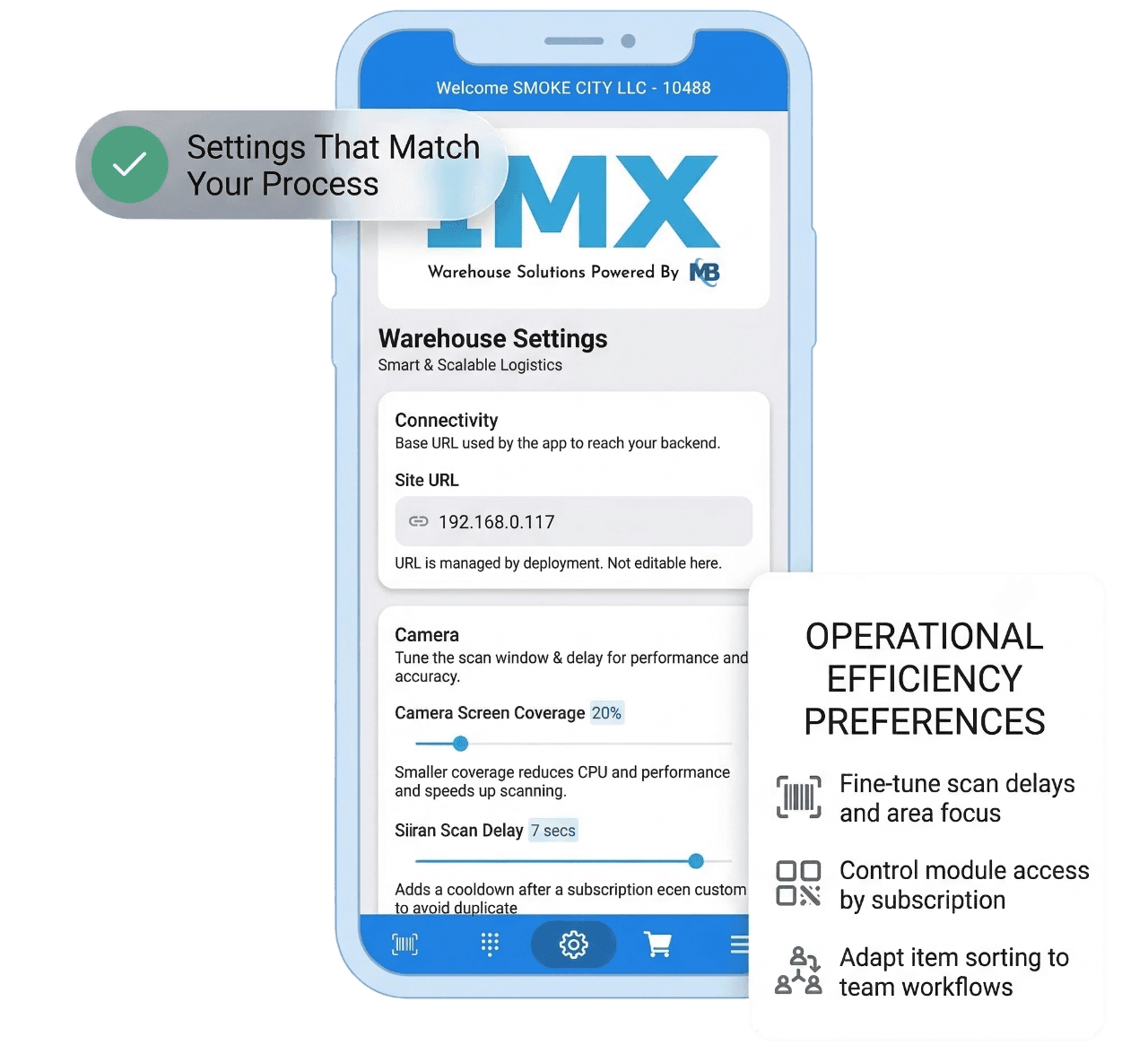
Choose a pricing tier that fits your needs – no surprises, just value.
Feedback from wholesale and field operations teams using IMX Order in daily workflows.

Our reps now scan and place orders before they leave the aisle. IMX Order cut manual entry time dramatically.

VP of Sales Operations
Regional Food & Beverage Distributor
Offline mode made the difference for us. Our teams keep working in dead zones and sync when they reconnect.
Director of Field Operations
Industrial Supply Wholesale
Account switching is smooth and practical for route reps handling multiple customer stops in one shift.
National Sales Manager
Consumer Goods Distribution
Balance due visibility in-app reduced calls to back office and improved the quality of customer conversations.
Operations Manager
Healthcare Supply Distributor
Common questions teams ask when evaluating IMX Order.